

Why Your Wi-Fi Speed Drops
You pay for a 200 Mbps plan from your local ISP, but a speed test in your bedroom only shows 20 Mbps. The culprit is rarely your internet connection  it is almost always your router placement.
Wi-Fi signals are simply radio waves. Just like you lose FM radio reception when driving through a tunnel, your Wi-Fi signal degrades when it hits physical obstacles. DreamFiber recommends these top five router placement tips to maximize your speed.
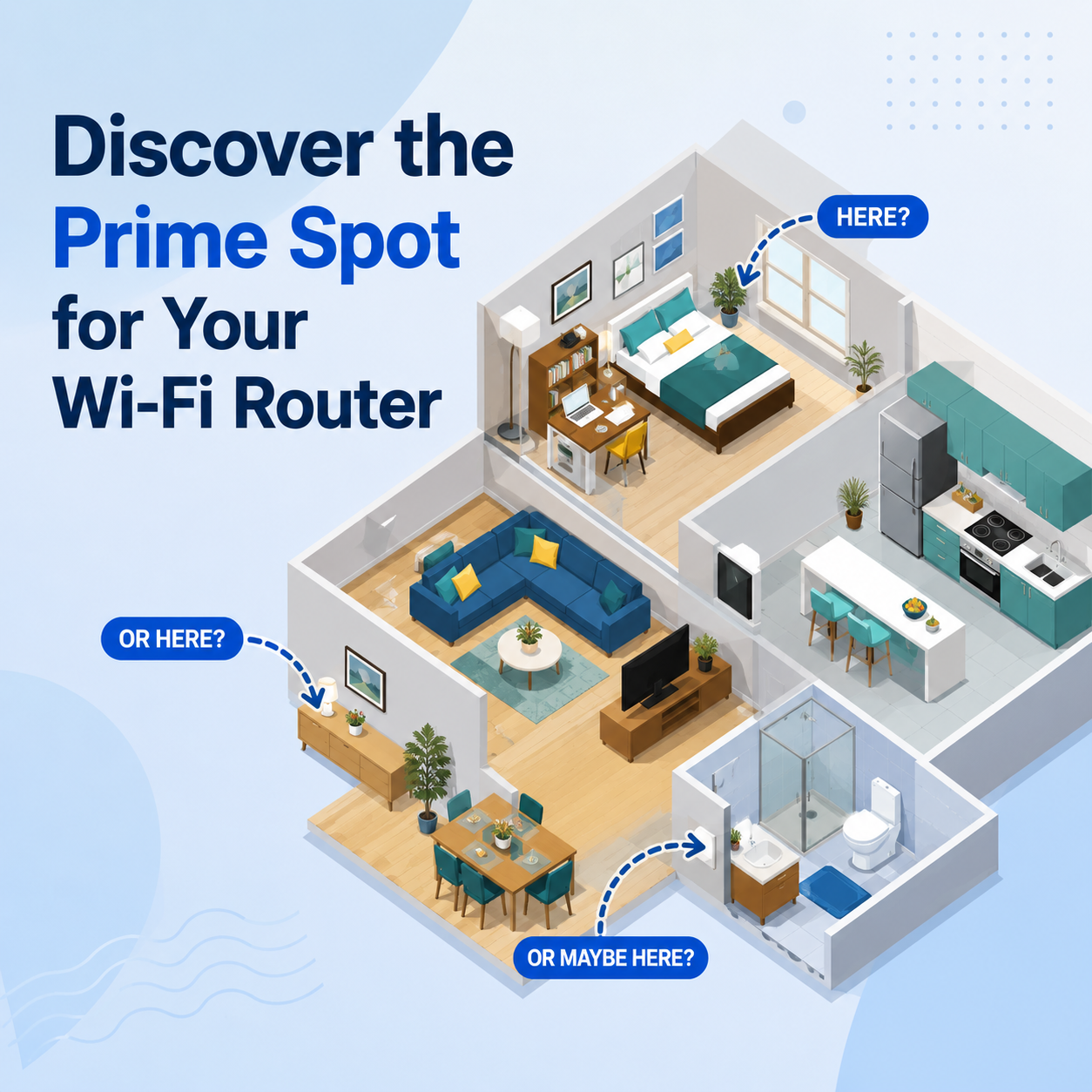
1. Place the Router in the Center of Your Home
Wi-Fi routers broadcast their signal in all directions (like a 360-degree sphere).
- If you place the router against an outside wall or next to a window, half of your signal is being broadcast into your yard or the street.
- The Fix: Locate the most central room in your house. Placing the router here ensures an even distribution of the signal to all bedrooms, the living room, and the kitchen.
2. Elevate Your Router
Routers tend to broadcast their signals slightly downward.
- Placing your router on the floor ensures most of your signal is absorbed by the ground or furniture.
- The Fix: Place your router as high as possible. A high bookshelf, the top of a cabinet, or mounting it on the wall will provide a clear line of sight to your devices.
3. Avoid the Kitchen and Electronic Appliances
The kitchen is the worst place in your home for a Wi-Fi router.
- Microwaves operate on the same 2.4 GHz frequency as many Wi-Fi routers. Turning on a microwave can completely sever your internet connection.
- Large metal appliances (refrigerators, ovens) physically block radio waves.
- The Fix: Keep the router at least 10 feet away from microwaves, cordless phones, and baby monitors.
4. Beware of Water and Concrete
Wi-Fi signals cannot pass through water or dense masonry easily.
- Fish Tanks: A large aquarium will absorb Wi-Fi signals entirely.
- Thick Walls: Concrete, brick, and stone walls severely reduce signal strength compared to standard drywall or wood.
- The Fix: Position your router so the signal has to pass through doors and hallways rather than thick structural walls. Never hide a router behind a fish tank or indoor fountain.
5. Adjust the Antennas
If your router has external antennas, their position matters.
- For a single-story home, point all antennas straight up.
- For a multi-story home, point one antenna straight up (to broadcast horizontally) and one antenna horizontally (to broadcast vertically through the ceiling to the floor above).
Conclusion
Optimizing your router placement is the easiest, free way to instantly improve your home internet. If you have tried these tips and still experience dead zones, it might be time for a hardware upgrade. Contact DreamFiber to ask about our advanced dual-band routers and mesh Wi-Fi solutions.